Sign In to ab777 — Your Account, Ready in Seconds
Enter your registered mobile number and password below. The whole process takes under ten seconds on any Android phone in Bangladesh. If you do not have an account yet, register here first.
- SSL Secured
- bKash & Nagad
- 24/7 Support
- 18+ Only
Two Ways to Log In: Browser and App
Whether you use Chrome on your phone or the ab777 app, the steps are straightforward. Pick the method that suits you.
-
1
Open ab777.life in Chrome
Type ab777.life in your browser address bar. The site loads in a few seconds even on a 4G connection.
-
2
Tap "Log In" in the top menu
The login button is in the top-right corner on desktop or inside the hamburger menu on mobile.
-
3
Enter your mobile number and password
Use the mobile number you registered with. Your password is case-sensitive — check Caps Lock if the login fails.
-
4
Press "Log In to ab777" and start playing
You land on your account dashboard immediately. From there you can deposit, browse games, or check your bonus balance.
-
1
Install the ab777 APK
Download the free APK from our App page. It is 52 MB and runs on Android 8.0 and above. Enable "Install from unknown sources" once.
-
2
Open the app and tap "Log In"
The login screen appears automatically. The app remembers your last session so you may only need to enter your password next time.
-
3
Enter credentials and confirm
Your phone's autofill or fingerprint unlock can speed this up. The app login is usually faster than the browser version.
ab777 Login Methods: Which One Fits Your Situation?
There are three practical ways to access your account. Here is what each one is good for and what to watch out for.
Mobile Number Login
RecommendedMost players in Bangladesh use this method. It ties your login to the same number you use for deposits.
Username Login
FlexibleGood for players who prefer not to show their phone number on a shared screen. Keep a note of your username somewhere safe.
App Quick Login
FastestIdeal if you check odds frequently during a cricket match and do not want to type a password every time you open the app.
Login Not Working? Fix These Issues Step by Step
Most login problems have a simple fix. Find your issue in the table below and follow the solution column.
| Problem | Likely Cause | What to Do |
|---|---|---|
|
Wrong password error
|
Password entered incorrectly, or Caps Lock is on. The password field is case-sensitive. | Tap the eye icon to reveal your password and retype it carefully. If you have pasted it from a note, make sure there are no extra spaces at the end. After five failed attempts the account is temporarily locked for 15 minutes. |
|
Account locked
|
Too many failed login attempts within a short window triggers an automatic 15-minute security lock. | Wait 15 minutes and try again with the correct password. If you are unsure of your password, use the Forgot Password flow immediately rather than guessing — each wrong attempt resets the timer. |
|
OTP / SMS not arriving
|
Network congestion, low signal, or the number registered is different from the SIM currently in the phone. | Wait 60 seconds then tap "Resend OTP". Make sure the SIM that matches your registered number is active. Move to an area with stronger signal. If the problem persists, contact 24/7 Live Chat. |
|
Page won't load
|
Weak internet connection or a DNS issue on your mobile data provider. | Switch between mobile data and Wi-Fi. If neither works, try changing your DNS to 1.1.1.1 (Cloudflare) in your phone's Wi-Fi settings. Alternatively, use the ab777 App which caches assets locally. |
|
Wrong mobile number
|
You registered with a different number than the one you are typing, or you recently changed your SIM. | Double-check the number you used at registration. Try alternative numbers you own. If you no longer have that SIM, reach out via Live Chat with your original registration details to recover your account. |
|
App crash on login
|
The APK version is outdated (below 3.0.11) or the installation was interrupted. | Uninstall the current app, download the latest version (v3.0.11, 52 MB) from ab777 APK page, and reinstall. Make sure your Android version is 8.0 or higher before installing. |
Forgot Your Password? Get Back In Fast
The recovery process takes about two minutes. You need access to the mobile number registered on your account.
-
1
Click "Forgot password?" on the login form
The link sits next to the "Remember me" checkbox. Tap it and you will be taken to the password reset page.
-
2
Enter your registered mobile number
Type the 11-digit number you used to create your account. An OTP is sent to that number within 60 seconds via SMS.
-
3
Enter the OTP and set a new password
The one-time code is valid for five minutes. Enter it, then choose a new password with at least eight characters. Mix uppercase, lowercase and numbers for a strong password. Log in with your new credentials immediately.
SMS not arriving? Check these things in order:
1. Confirm you have signal — move closer to a window or outdoors.
2. Make sure the SIM with your registered number is in Slot 1 and not set to "data only".
3. Wait the full 60 seconds before requesting a resend — operators in Bangladesh can delay SMS during peak hours.
4. Still nothing? Contact 24/7 Live Chat with your registered number and they will manually verify your identity.
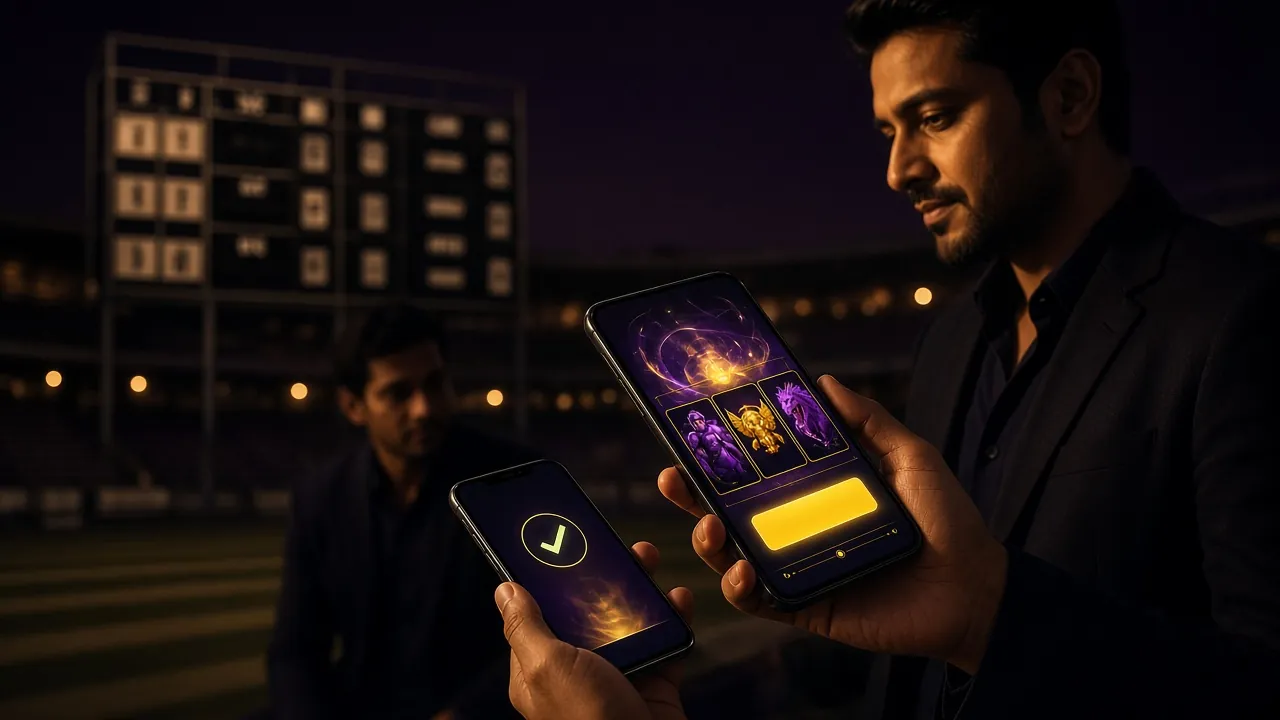
App Login vs Browser Login: A Practical Comparison
Not sure whether to use the app or just log in via Chrome? This table covers what actually matters for players in Bangladesh.
| Feature | ab777 App (Android) | Mobile Browser | Desktop Browser |
|---|---|---|---|
| Login speed | Fastest — biometric or saved session | Fast — browser autofill | Standard — manual or autofill |
| Mobile data usage | Lower after first load — assets cached | Higher — full page reload each session | Standard broadband |
| Push notifications | Yes — bonus & match alerts | No | No |
| Installation required | Yes — 52 MB APK download | No | No |
| Android version needed | 8.0 or above | Any modern Android | Not applicable |
| Works without installing APK | No | Yes | Yes |
| Best for | Daily players, cricket match betting | Occasional players, quick sessions | Long sessions, live casino tables |
| Current version | v3.0.11 (updated 15 Nov 2026) | Always latest | Always latest |
Want the fastest experience? Download the ab777 APK and log in with biometric unlock. No typing needed.
Common Questions About Logging In to ab777
I entered the right password but it still says incorrect — what is happening?
Can I log in to the same ab777 account on more than one device at the same time?
Why does ab777 keep logging me out after a short time?
I got a new phone. How do I log in to ab777 without losing anything?
My account has been blocked. How do I find out why and get it reopened?
How do I stay logged in to ab777 without re-entering my password every day?
Ready to play? Log in to ab777 now
If you already have an account, go straight to the form at the top of this page. No account yet? Sign up in under two minutes and get a first deposit bonus.
18+ · Play Responsibly · Minimum deposit ৳150